Section: Loader › Windows and Steam
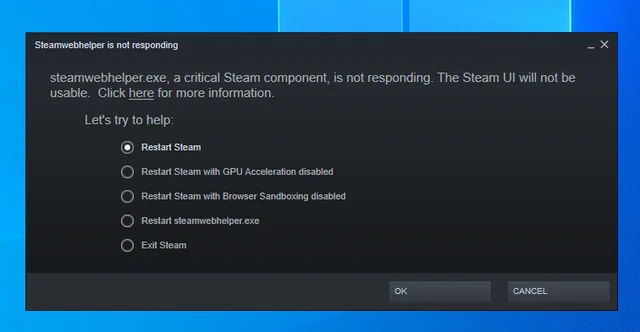
Possible solutions
1. Restart your computer
A simple PC restart may resolve the problem, so try this option first.
2. Launch the game without the product
Before launching the game through the loader, try launching it without the product. This helps determine whether the problem is related to the product itself.
3. Reinstall Steam
If the previous steps did not help, reinstall Steam. Some of its components may be corrupted and need to be restored. How to reinstall it cleanly and what else to check is described in “Steam: the product does not start because of Steam”.
Source: knowledge base · updated Nov 12, 2026