Aby i open neverlose my windows crash
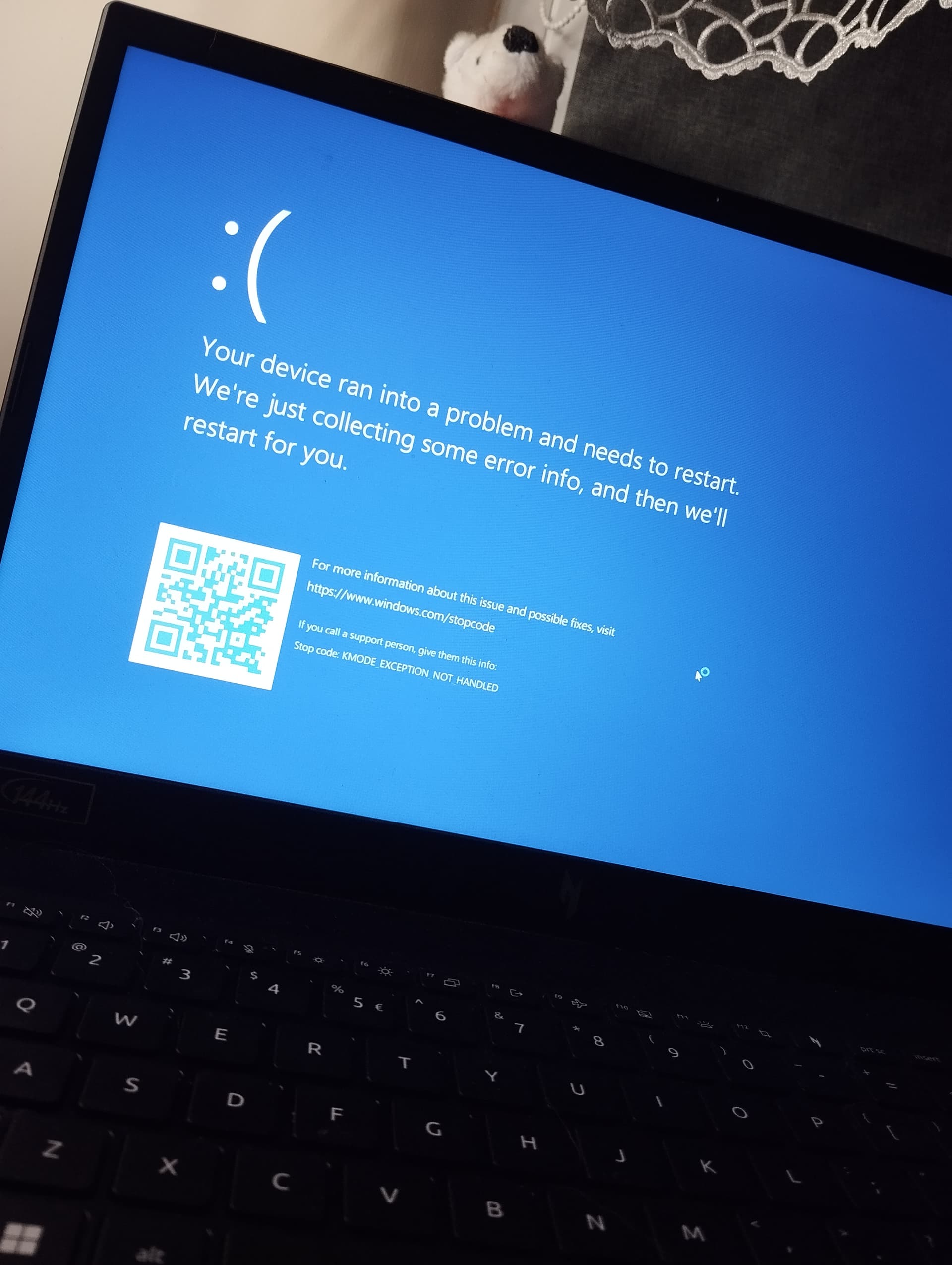
 Update or reinstall your drivers (especially chipset, GPU, and network drivers).
Update your BIOS to the latest version.
Check your RAM using MemTest86 or Windows Memory Diagnostic for possible errors.
If you recently installed any software that interacts with the kernel, try uninstalling it.
Disable overclocking if enabled.
Your kernel mode is failing to handle exceptions properly, which usually points to driver or memory-related issues.